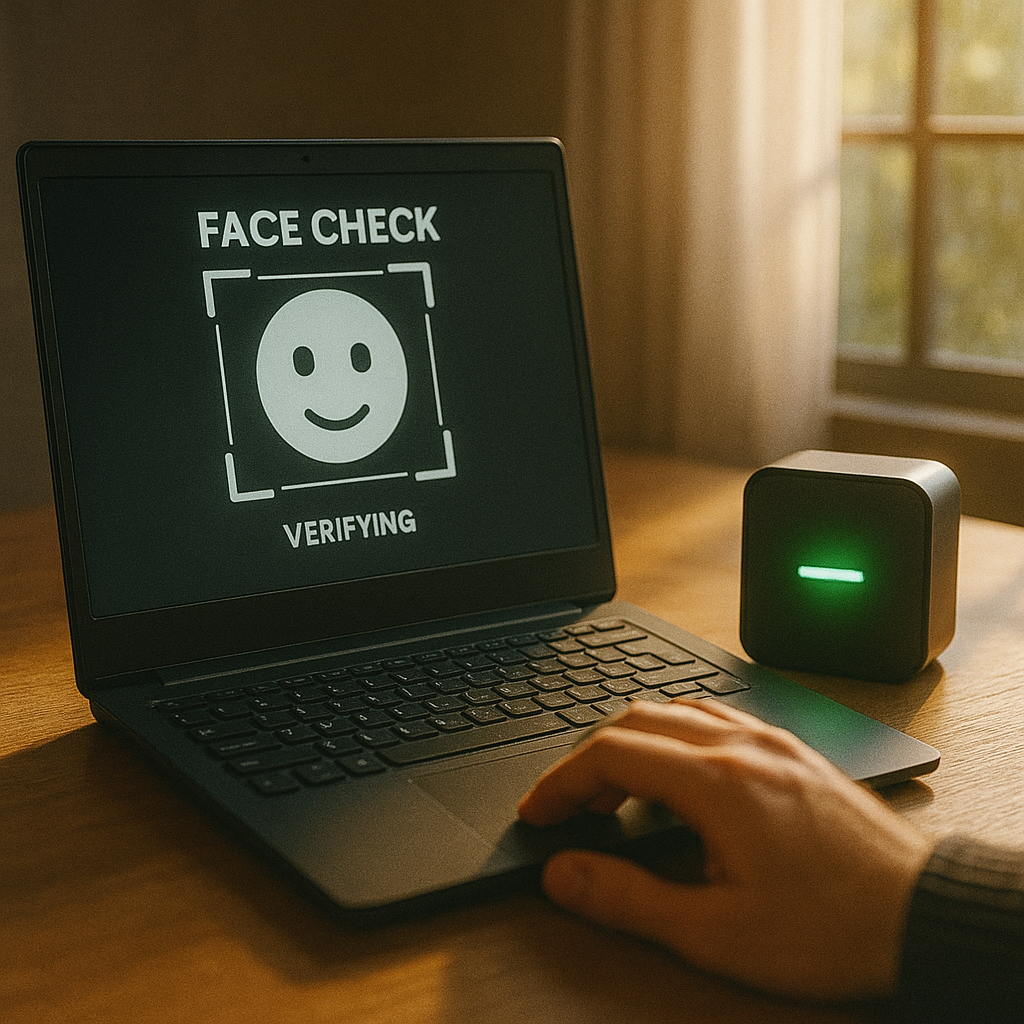
Face Check
Overview
Create a simple AI attendance kiosk that recognizes faces and gives friendly green/red feedback with CodyNick.
What Students Do
Capture sample faces, enable a lightweight recognition model, and link “known/unknown” results to CodyNick actions. Configure a small on-screen list to show absentees and recent check-ins.
Outcome
A working check-in station: familiar faces trigger a green light or chime; unknown visitors show a red alert. Attendance status updates live on screen.
Requirements
- CodyNick gadget + RGB LED or indicator light (buzzer optional)
- Laptop with webcam and block-coding environment
- (Optional) Small display area / dashboard for attendance list