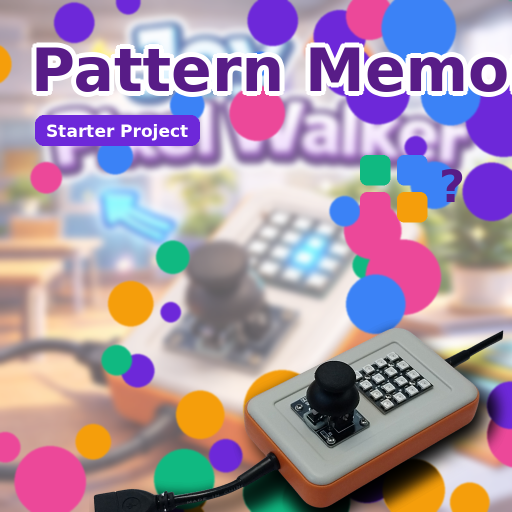
Pattern Memory
Home / Starter Projects / Pattern Memory
What Students Do:
Students play a Simon-style memory game on the 4×4 RGB LED panel. The device shows a short sequence of lights, and the
student repeats it using the joystick. Each round adds a new step, making the challenge harder over time.
Hands-On Activity:
Students explore how the game stores a sequence, plays it back, and checks user input step by step. They can adjust the
difficulty by changing sequence length, timing, or the set of LEDs used in the game.
Why It Matters:
Pattern Memory develops sequencing, attention, and logical checking. It introduces key coding ideas like lists (arrays),
indexing, conditions, and state-based behavior—foundations for interactive systems and game programming.
How to Get and Run the Code:
Open the project page and use the Source Code button to open it in the mBlock IDE. Then connect your device and upload.
- On the project page, click Source Code to open it in the mBlock application.
- Connect CodyJoy Pro using a USB cable.
- Select the correct device and port in mBlock, then click Upload.
- Play the game and try to beat your highest pattern length.