Countdown Signal
Home / Starter Projects / Countdown Signal
What Students Do:
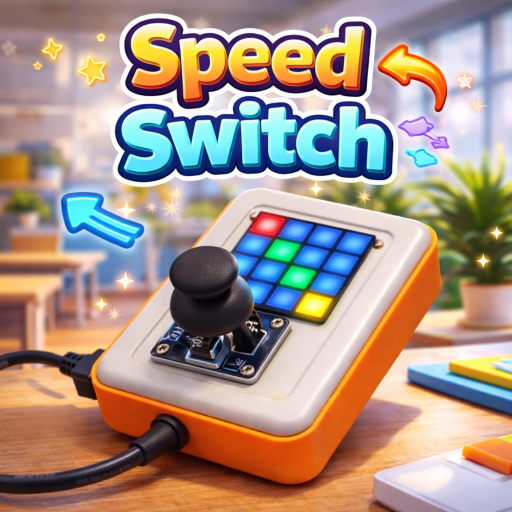
Students build a simple countdown indicator using the 4×4 RGB LED panel. The LEDs turn off one by one (or change color)
to visualize remaining time in a clear, classroom-friendly way.
Hands-On Activity:
Students program a timer loop and update the panel at fixed intervals. They decide how the countdown is represented
(for example, 16 steps on a 4×4 grid) and tune the duration for different classroom activities.
Why It Matters:
Countdown Signal teaches loops, counters, and time-based logic with an immediate visual output. It also demonstrates how
devices can communicate status clearly—an important skill in user-interface and product design.
How to Get and Run the Code:
Open the project page and use the Source Code button to open it in the mBlock IDE. Then connect your device and upload.
- On the project page, click Source Code to open it in the mBlock application.
- Connect CodyJoy Pro using a USB cable.
- Select the correct device and port in mBlock, then click Upload.
- Run the countdown and adjust the interval/time for your activity.