Speed Switch
Home / Starter Projects / Speed Switch
What Students Do:
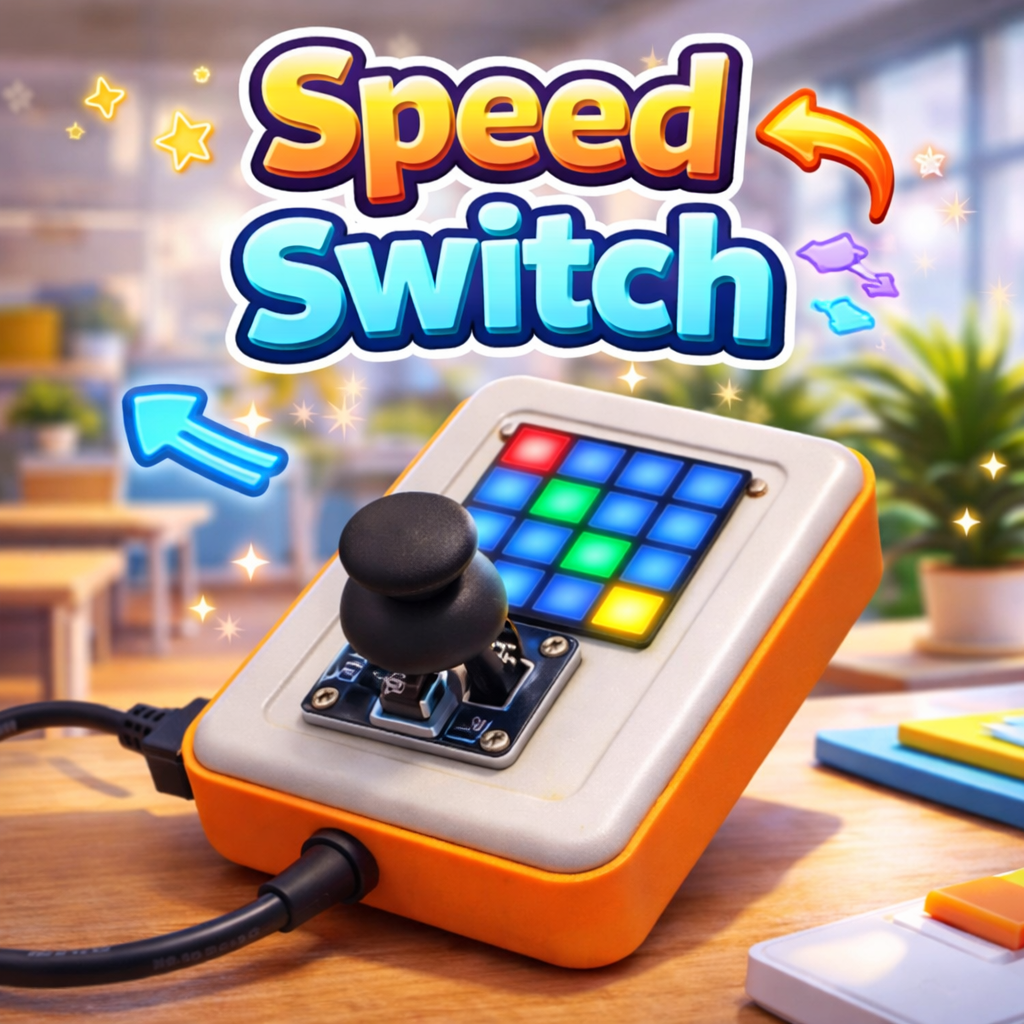
Students control a moving pixel using the joystick and learn how to change the speed while the program is running.
They switch between slow and fast movement modes and immediately observe the difference in responsiveness.
Hands-On Activity:
Students create a speed variable (or two speed presets) and connect it to the movement logic. They test different
values, compare results, and refine the experience so the pixel feels smooth in both slow and fast modes.
Why It Matters:
Speed Switch introduces variables and time control in an intuitive way. Students learn that behavior can be adjusted
dynamically, which is essential for game design, robotics control, and interactive prototypes.
How to Get and Run the Code:
Open the project page and use the Source Code button to open it in the mBlock IDE. Then connect your device and upload.
- On the project page, click Source Code to open it in the mBlock application.
- Connect CodyJoy Pro using a USB cable.
- Select the correct device and port in mBlock, then click Upload.
- Test slow vs fast movement and adjust the speed values if needed.