Mood Light Composer
Home / Starter Projects / Mood Light Composer
What Students Do:
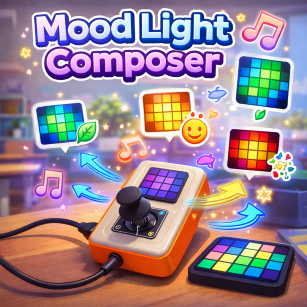
Students create a visual mood system using the 4×4 RGB LED panel on CodyJoy Pro. The panel displays different color
patterns representing moods such as calm, happy, and alert, changing automatically over time without user input.
Hands-On Activity:
Students explore how predefined patterns are built and how timing controls when each mood appears. They adjust the
sequence duration, replace colors with the CodyJoy palette, and design at least one new pattern to add to the rotation.
Why It Matters:
Mood Light Composer introduces state-based thinking and time-driven behavior. Students learn that programs can run
autonomously and communicate status or emotion through clear visual output—skills used in interactive design and smart devices.
How to Get and Run the Code:
Open the project page and use the Source Code button to open it in the mBlock IDE. Then connect your device and upload.
- On the project page, click Source Code to open it in the mBlock application.
- Connect CodyJoy Pro using a USB cable.
- Select the correct device and port in mBlock, then click Upload.
- Watch the LED panel cycle through mood patterns and try creating your own.